 Add to Chrome
Research scattered across AI chats
Spend less time collecting it again.
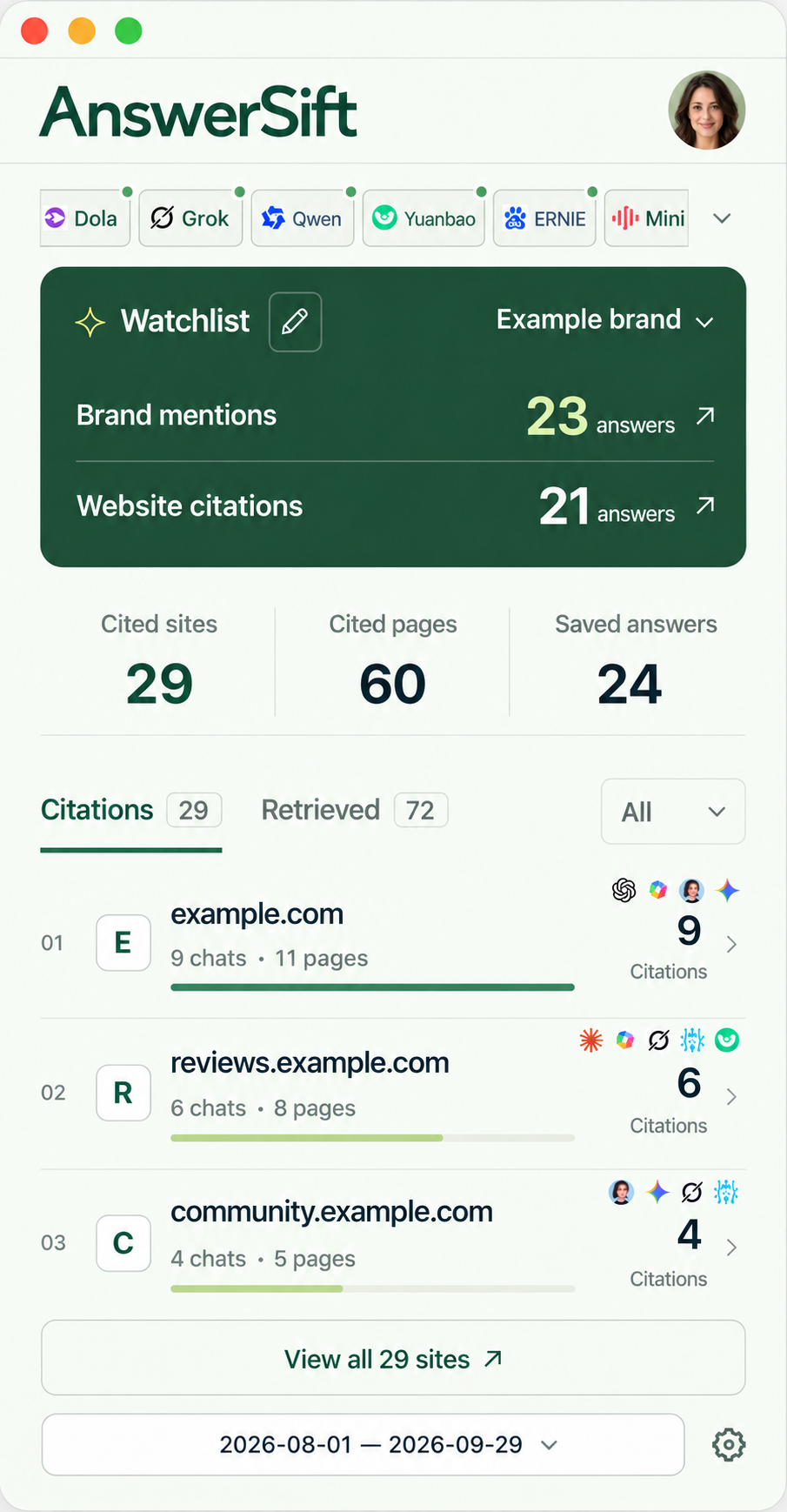
Keep matching answers and available sources in your watch groups as you browse. Return to your research without repeating the same copying, sorting, and searching.

AI CITATION TRACKING & BRAND MONITORING
Track cited websites and brand mentions as you browse AI answers. Turn everyday research into source evidence for your next content channel.
 ChatGPT
 Gemini
 Claude
 Perplexity
 Grok
 Copilot
 Doubao
 DeepSeek
WHY ANSWERSIFT
AI answers contain useful clues, but scattered conversations make them hard to use. AnswerSift turns matching answers and sources you encounter into an organized basis for your next decision.
Research scattered across AI chats
Keep matching answers and available sources in your watch groups as you browse. Return to your research without repeating the same copying, sorting, and searching.
Too many channels. No clear priority.
See which websites appear in the citations you have saved. Build a focused shortlist for content and outreach research before committing time or money to a channel.
Plenty of activity. Little direction.
Choose your keywords, brands, and websites. Compare the evidence you collect across AI platforms and periods, then decide which topic, source, or channel deserves closer attention.
Open the saved answer and its sources to check what was actually observed. Use those findings to plan the next content or channel test, and keep verifying its real results.
A CLOSER LOOK
See which websites AI answers cite, inspect the referenced pages, and return to the saved answers behind each citation.
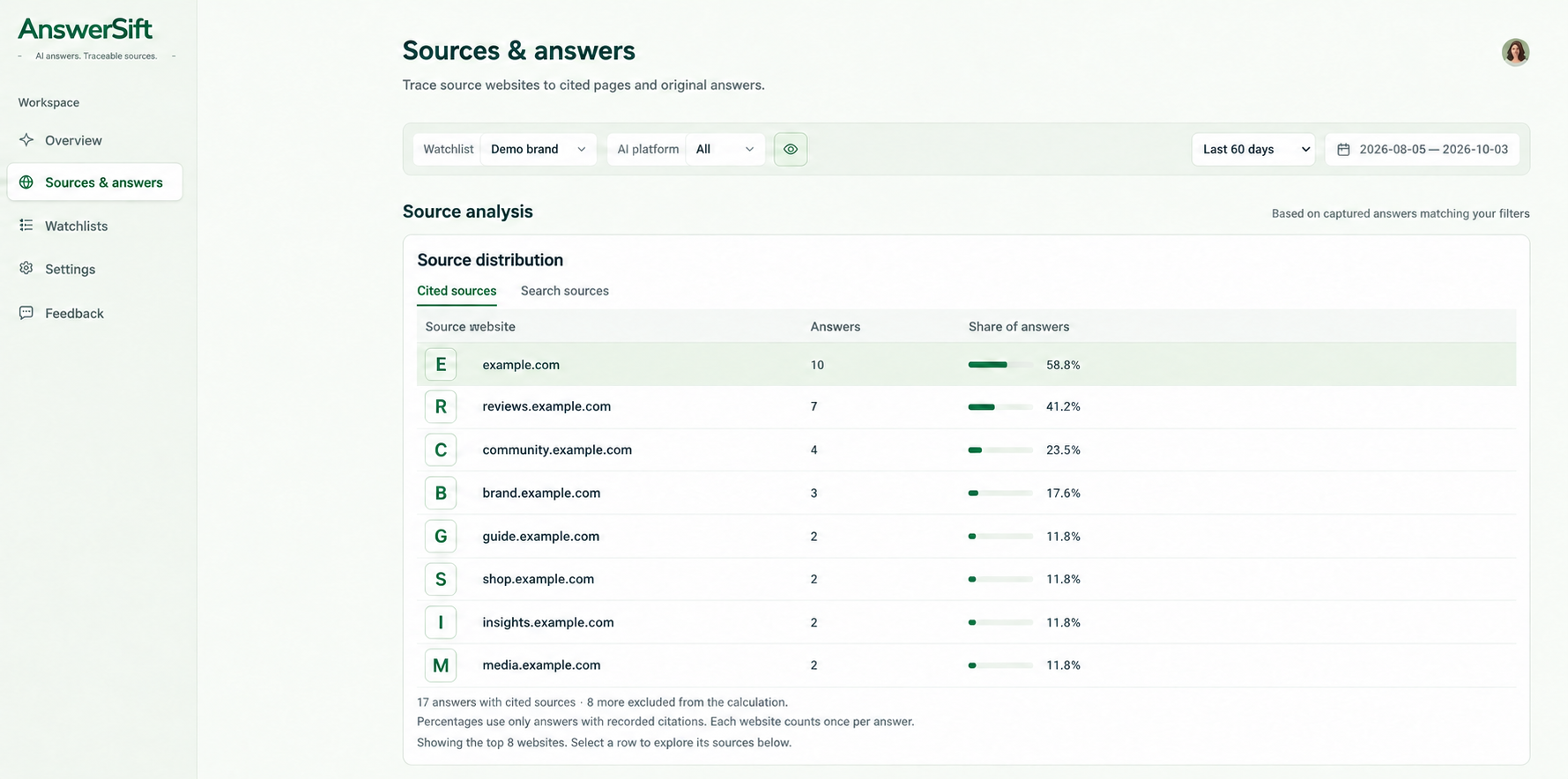
See which websites appear across the answers you have collected.
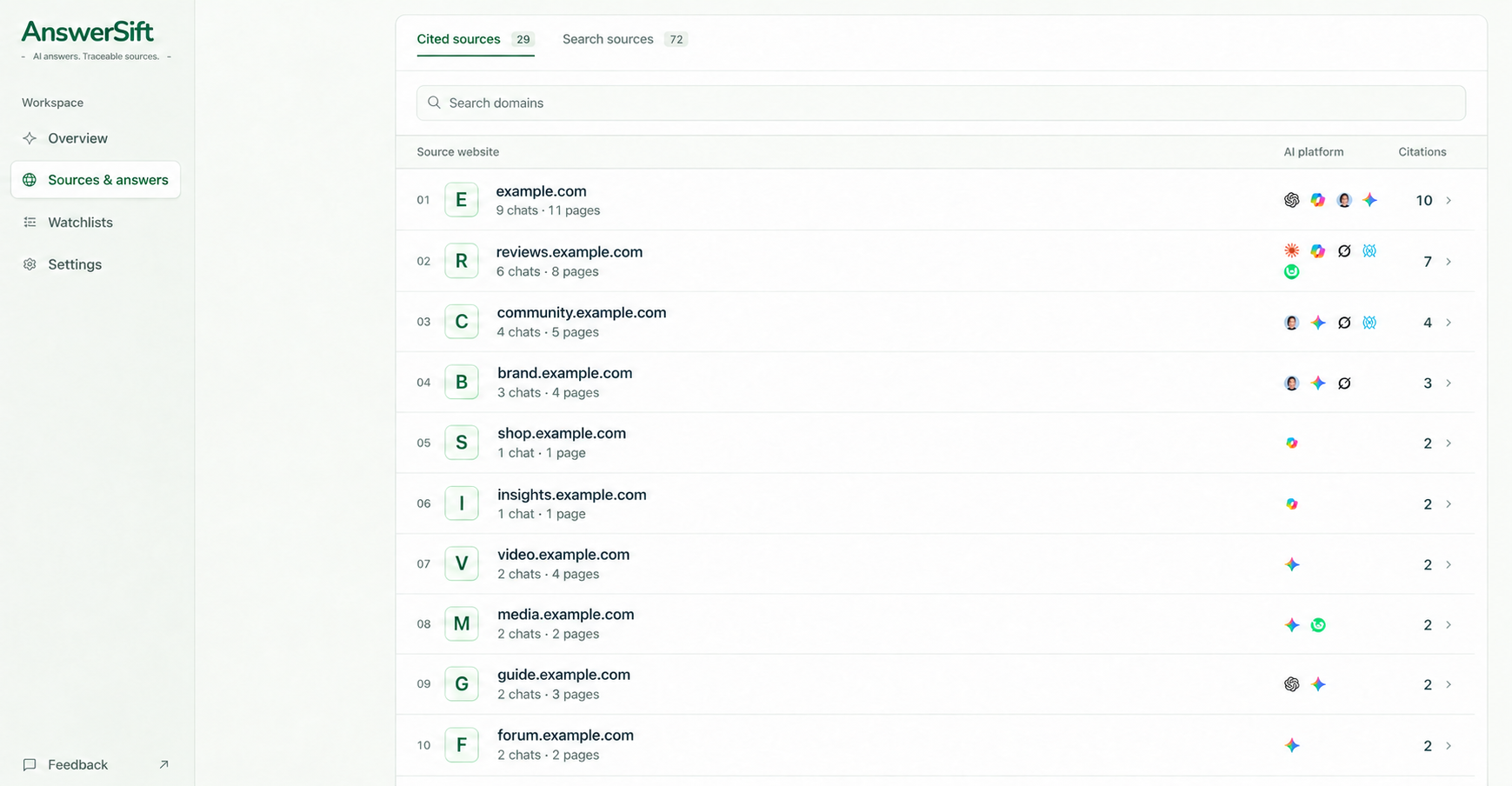
Compare cited websites, the conversations they appear in, and the AI platforms citing them.
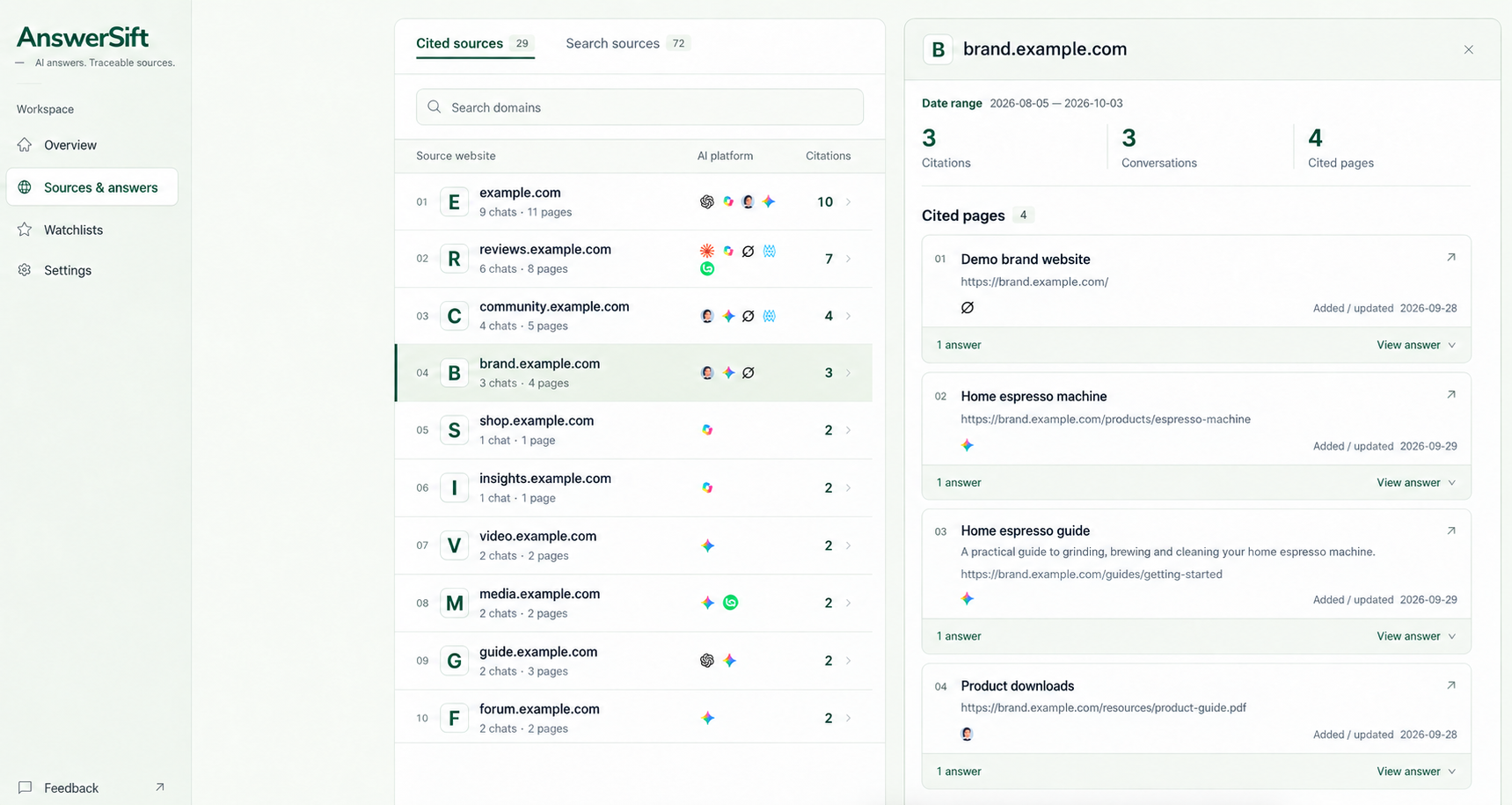
Open a website to inspect its cited pages and the saved answers that reference them.
SET YOUR FOCUS. KEEP BROWSING.
Create a watch group with product or industry keywords. Add brands and websites if useful.
Choose the AI sites you use and grant access. You control where collection runs.
Use AI as usual. Matching answers and available sources are saved for you to review.
A CLOSER LOOK
Keep brand mentions, answer citations, and retrieved sources separate. These are observations from your saved answers, not a complete AI index or a promise of better rankings.
Follow brand mentions in matching answers. Organize your product and industry research with watch groups, optional brands, and websites.
Review cited websites, retrieved sources, and brand mentions separately across AI platforms and periods. Investigate content channels using the evidence you collect.
Return to the saved answer text and its conversation link. Collection reflects what the adapter could observe.
Export answer and source tables as CSV, or create a JSON dashboard backup from data management.
PRIVACY, ON YOUR TERMS
Set your research scope and choose your AI sites. Automatic collection follows your watch-group rules; unrelated questions and answers are not saved or included in research statistics.
To check for a match, the extension processes the questions and answers currently visible on an AI page you have authorized and enabled.
Choose research keywords and add brand names, aliases, and brand websites. AnswerSift uses your matching rules to identify relevant answers and organize brand and source evidence.
Each question-and-answer pair needs its own match for automatic collection. An earlier match in a conversation does not automatically bring later, unrelated answers into your research.
Enable or disable collection for individual AI platforms whenever you like. Collection runs only on enabled, authorized sites. Turning a platform off stops new automatic collection; you can manage existing records in the dashboard.
A matching record contains the question, answer text, and available sources, with a link back to the conversation. Records are saved to your cloud account with a local cache. You can review, delete, or export them.
If you explicitly add a conversation to a watch group, your choice can include answers beyond automatic keyword matches.
Read the full privacy policyPricing
Choose the billing period that suits your research.
USD 0.99
First 7 days
Then USD 9.90/month. For eligible first-time subscribers.
Get startedUSD 9.90
Billed every month
Start with your chosen billing period.
Get startedUSD 29.00
Billed every 3 months
Start with your chosen billing period.
Get startedUSD 110.00
Billed every 12 months
Start with your chosen billing period.
Get startedFAQ
The current service stores research in your cloud account. The extension provides a local workbench and cache; the online dashboard uses the same account.
Collection is limited to enabled, authorized sites and matching rules. It does not automatically scan your entire chat history. Review your settings before collecting private research.
Start with a watch group and relevant product or industry keywords. Brands, aliases, and websites are optional additions to help focus your research.
For generative engine optimization (GEO) and answer engine optimization (AEO) research, inspect cited websites in your saved answers, compare source patterns, and shortlist content channels to investigate.
It collects matching answers while you browse enabled, authorized AI sites. It does not schedule prompts or guarantee more citations, brand mentions, or higher rankings.

Set up your first watch group. Build on the research you already do.